I hired a ghost writer (and he lives in my dotfiles) — meet Florian, the blog agent

The problem with writing blog posts yourself
I write a tech blog at gulasz101.github.io. I also run a homelab that generates roughly one interesting disaster per day. And I track every one of those disasters in Obsidian tracking notes, written by my andrzej Hermes profile, in meticulous detail.
The bottleneck was never the homelab work. The bottleneck was turning those tracking notes into actual blog posts. I’d finish a 3-hour debugging session, write a great tracking note, and then… the note would just sit there. For weeks. Because sitting down to turn raw notes into a readable, funny, code-block-filled blog post is a different kind of work, and I kept not doing it.
So I did what any reasonable homelabber does: I hired a ghost writer. Except he’s not a person, he’s an AI agent profile named Florian, and he lives in my dotfiles 😎
flowchart LR
    A["andrzej profile\nwrites tracking notes"] --> B["Obsidian:\nhomelab/tracking/"]
    B --> C["Florian profile\nreads tracking notes"]
    C --> D["tech_blog/\ndraft posts"]
    D --> E["Wojtek reviews\n& publishes"]
    E --> F["gulasz101.github.io"]
    F --> G["Florian announces\non X + LinkedIn\nvia camofox"]
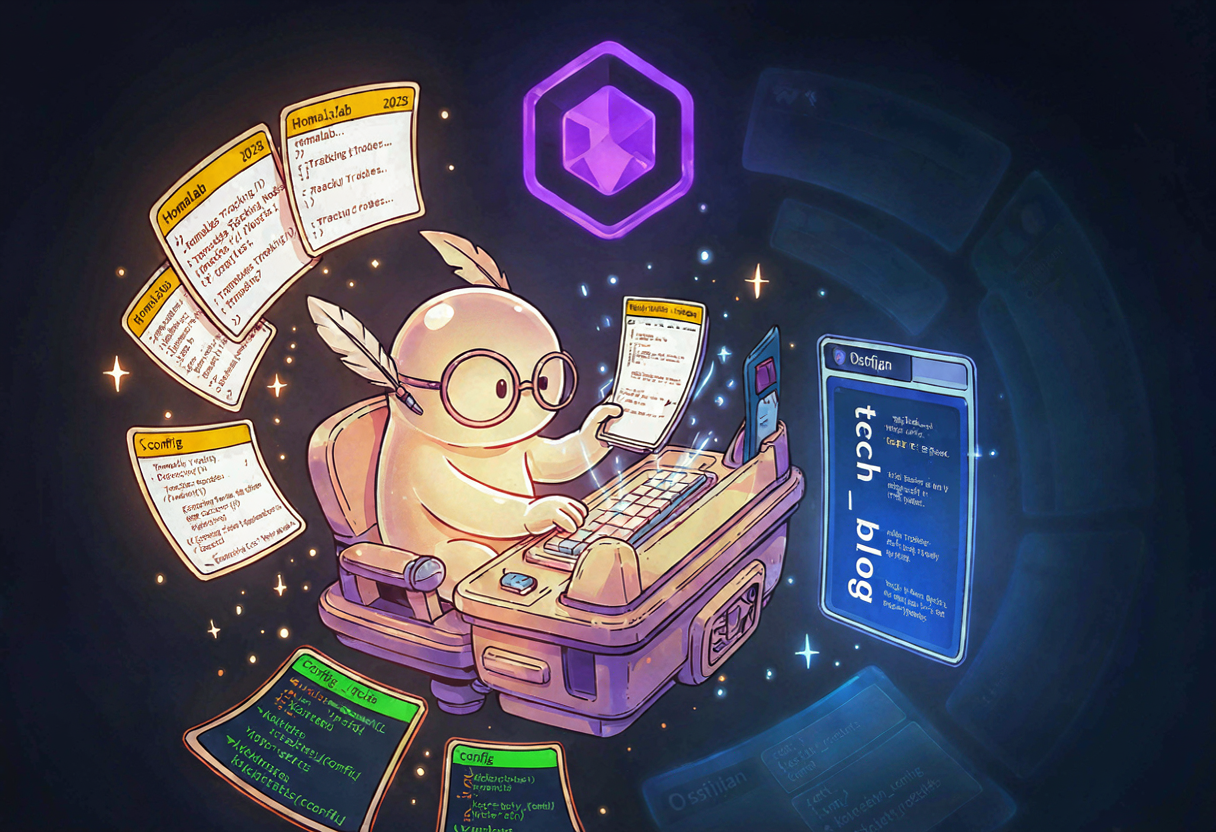
Florian is a dedicated Hermes Agent profile. His one job: read homelab tracking notes from Obsidian, transform them into draft blog posts in my voice, put them in tech_blog/ for me to review, finish with some personal touches, and announce published posts on social media. He does not publish directly. He does not touch _posts/. He is a ghost — you never see him in the text.
Step 1 — Clone an existing profile
Hermes profiles are just directories under ~/.hermes/profiles/. Each one has its own config.yaml, .env, SOUL.md, skills, and memory. Instead of building Florian from scratch, I cloned him from an existing profile (careerpa) so I’d inherit the model config, browser setup, and Obsidian paths:
1
2
hermes profile create florian --clone-from careerpa --clone \
  --description "Blog writer and maintainer for gulasz101.github.io"
That copied config.yaml, .env, SOUL.md, skills, and added a hermes_florian entry to honcho.json. The wrapper script landed at ~/.local/bin/florian so I can launch him with just florian.
Cloning a profile is way faster than creating one from scratch. You inherit working model config, API keys, browser/camofox setup, and memory structure. Then you just overwrite SOUL.md and the memory files with the new persona.
Step 2 — A LiteLLM key just for Florian
Every Hermes profile gets its own LiteLLM virtual key. This way I can see exactly how many tokens Florian burns, rate-limit him independently, and rotate his key without touching anyone else:
| Hermes profile | LiteLLM alias | Model | Gateway |
|---|---|---|---|
| default (Bill Cipher) | hermes-bill-cipher | glm.5.2 | running |
| andrzej | hermes-andrzej | kimi-k2.7-code | running |
| careerpa | hermes-careerpa | glm-5.2-ollama | running |
| florian | hermes-florian | glm-5.2-ollama | stopped (pending MM bot) |
The key was created via the LiteLLM admin UI at https://llm.example.com/key/generate, with alias hermes-florian, user ID hermes-florian, and model glm-5.2-ollama. Then it went into Florian’s .env:
1
2
3
4
5
6
7
8
9
10
# ~/.hermes/profiles/florian/.env (sanitized)
LM_API_KEY=<REDACTED>
GLM_API_KEY=...        # shared across profiles
OLLAMA_API_KEY=...     # shared across profiles
OBSIDIAN_VAULT_PATH=/Users/wojciechgula/wojtek.second.brain.obsidian.vault
CAMOFOX_URL=http://localhost:9377   # shared browser instance
MATTERMOST_TOKEN=***              # needs real bot token from Wojtek
MATTERMOST_HOME_CHANNEL=PLACEHOLDER  # needs channel ID for gulasz101githubio
MATTERMOST_REPLY_MODE=thread
# Removed TELEGRAM_* — Florian uses Mattermost only
Two placeholders, because two things need Supreme Leader (me) to click buttons in Mattermost. More on that later.
Two .env values are still placeholders: MATTERMOST_TOKEN and MATTERMOST_HOME_CHANNEL. Florian can write drafts, but he can’t report them to Mattermost until I create his bot account and give him the channel ID. This is the one manual step left.
Step 3 — The SOUL.md (who Florian is)
The clone gave me careerpa’s SOUL.md. I threw it away and wrote a new one — the blog writer persona. The key idea: Florian is invisible in the text. He writes as me, in my voice, with my personality. He never says “I am an AI” or “as Florian” in a blog post. The posts are first-person Wojtek.
When talking to me (in chat or Mattermost), he’s a friendly, slightly nerdy ghost writer who’d rather be writing blog posts than chatting. When writing as me, he follows the voice rules:
- Simple English — I’m a Polish speaker in Germany, minor grammar imperfections are authentic, not bugs
- Funny, sarcastic, self-deprecating, emoji throughout 😎😅🎸
- Code blocks for ALL commands and configs
- Honest about mistakes and dead ends
- No corporate buzzwords, no AI-isms (“in this article we will explore”)
The guardrails are important too:
- Never publish directly to
_posts/— drafts go totech_blog/only - Never post to social media without approval
- Source material first — always read the tracking notes before writing
- Keep technical accuracy — if the tracking note says
nvidia-smireturned X, the blog post says X
Step 4 — config.yaml patches
The clone copied config.yaml from careerpa, but Florian needed a few changes:
1
2
3
4
5
6
7
8
9
10
11
12
13
14
15
16
17
18
19
20
21
22
23
24
25
# ~/.hermes/profiles/florian/config.yaml (key sections)
model:
  default: glm-5.2-ollama
  provider: llm.example.com
  base_url: https://llm.example.com/v1
  api_key: ${LM_API_KEY}

memory:
  provider: honcho          # was: openviking → switched to self-hosted honcho
  nudge_interval: 10
  flush_min_turns: 6

mattermost:
  auto_thread: true
  thread_require_mention: false
  reply_mode: thread

toolsets:
  - hermes-cli
  - browser                  # for camofox screenshots + social posting

browser:
  camofox:
    url: http://localhost:9377
    managed_persistence: true
Wait, what is Honcho even?
I saw this question coming, so… the fat explanation.
Honcho is an open-source, self-hosted memory layer for AI agents. Instead of the agent remembering only what fits in the context window of the current conversation, Honcho keeps a proper database of facts about you and about the agent, across all sessions. Forever. On my hardware 😎
The concept is “peers”. Every participant in the workspace is a peer — there is peer Wojciech Guła (yes, me, the human) and there are AI peers like florian, andrzej, bill-cipher. When I chat with Florian and tell him “no beer emoji, I don’t drink”, this is stored as observation about peer Wojciech. Next week, when Florian wakes up in a fresh session with zero context, he queries Honcho and he still knows it. Without me repeating.
What happens above in config.yaml? provider: honcho means every Hermes profile in my house now uses the same memory backend, self-hosted at localhost:8000, running in my k3s cluster. And the entry in honcho.json:
1
2
3
4
5
6
7
8
9
10
11
12
13
14
{
  "hermes_florian": {
    "recallMode": "hybrid",
    "writeFrequency": "async",
    "sessionStrategy": "per-session",
    "dialecticReasoningLevel": "low",
    "saveMessages": true,
    "pinUserPeer": false,
    "peerName": "Wojciech Guła",
    "aiPeer": "florian",
    "workspace": "hermes",
    "enabled": true
  }
}
recallMode: hybrid— search is vector similarity AND keyword matching together. One without other is weaker, as following: semantic search finds “the ghost writer” when I typed “blog agent”, keyword search finds exact model names likeglm-5.2-ollama.writeFrequency: async— memory writes happen in background, the agent does not wait for database. Important for chat flow, nobody wants to wait 3 seconds for memory flush between sentences.dialecticReasoningLevel: low— when Florian asks his memory something, Honcho can do an extra LLM reasoning pass over stored observations before answering. Low means: cheap, fast, one-hop. He is writer, not philosopher. Get in, read notes, write draft, get out.pinUserPeer: false— the human peer is not auto-injected into every query. The agent decides when to look me up.
Why am I using it? Because I have a family of agent profiles working on the same life — homelab, blog, job search — and they should not be amnesiacs restarting from zero each morning. Honcho is the shared long-term brain, SOPS-encrypted like everything else in the cluster. Documentation is law, memory is law.
And the honest part: Honcho is great… when it works :D When it does not work — embedding service dies, database is sad, agent confidently forgets things — then it is not great at all. There will be another blog post about that 🤷
Step 5 — The blog-publishing skill
Florian has a dedicated skill called blog-publishing (category: creative) that encodes the whole workflow:
| Phase | What happens |
|---|---|
| 1. Scan | Look for new tracking notes in Obsidian that haven’t been turned into drafts yet. The tech_blog/ directory is the state — no separate JSON state file. If a draft matching a note’s topic exists, that note is done. |
| 2. Draft | Read the tracking note, read the real configs from the homelab repo, write a blog post in Wojtek’s voice. Frontmatter, code blocks, mermaid, emoji, Chirpy callouts. |
| 3. Report | Tell Mattermost that a new draft is ready for review. |
| 4. Publish | Once Wojtek approves and publishes, announce on X and LinkedIn — via the camofox browser, not APIs. No API keys, no developer accounts, just a real browser session. |
The skill lives at ~/.hermes/skills/creative/blog-publishing/ with SKILL.md, a templates/ directory, a scripts/ directory, and a references/ directory. It’s the most opinionated skill in the whole profile, because it has the strongest opinions about voice and structure.
Step 6 — The daily cron job (paused)
The final piece is a cron job that runs Florian every morning at 9:00 AM CET:
1
2
3
4
5
6
7
8
# Created via Hermes cron
hermes cron create \
  --name "florian-daily-blog-draft" \
  --schedule "0 9 * * *" \
  --profile florian \
  --skills blog-publishing,obsidian \
  --toolsets browser,terminal,file,web,vision \
  --workdir ~/Projects/gulasz101.github.io
- Job ID:
8e5f0d1ba006 - Schedule: daily at 9:00 AM CET
- Skills loaded:
blog-publishing,obsidian - Toolsets:
browser,terminal,file,web,vision - Working directory:
~/Projects/gulasz101.github.io - Status: PAUSED — resumes once the Mattermost bot token is set
Every morning, Florian wakes up, scans homelab/tracking/ for the oldest unprocessed tracking note, reads it, reads the real configs from the homelab repo, writes a draft to tech_blog/, and reports to Mattermost. I review the draft, approve or ask for changes, and the cycle continues.
The cron job is paused because Florian can’t report to Mattermost yet. The two placeholders in .env need real values first. Once I create the bot account and fill in the token + channel ID, I resume the job with hermes -p florian cron resume 8e5f0d1ba006.
What still needs the Supreme Leader
Florian is almost autonomous. Three manual steps remain, and all of them need me clicking things I can’t automate:
A. Mattermost bot account
- Mattermost System Console → Integrations → Bot Accounts
- Add Bot Account: name
florian, display nameFlorian (Blog Writer), usernameflorian - Copy the access token
- Invite
@florianto thegulasz101githubiochannel - Get the channel ID (right-click → Copy Link, or via API)
Then replace the placeholders in ~/.hermes/profiles/florian/.env, and start the gateway:
1
hermes -p florian gateway start
B. Resume the cron job
Once the gateway is running and Mattermost is connected:
1
hermes -p florian cron resume 8e5f0d1ba006
C. Camofox logins for X and LinkedIn
Florian announces published posts on social media via the camofox browser — no APIs, no developer accounts, just a real browser session that stays logged in. I need to:
- Open the camofox browser on the Hermes host
- Log into
@gulasz101on X - Log into LinkedIn
- Sessions persist for future automated posting
The beauty of this approach: no API keys to leak, no rate limits to fight, no developer account applications. Just a browser that’s already logged in, doing what I’d do manually but at 6 AM while I’m still asleep 😴
The verification
Before pausing the cron job, I verified Florian actually works:
1
2
3
4
5
6
7
8
9
10
11
# Profile exists and has the right model
hermes profile list
# florian    glm-5.2-ollama    gateway: stopped

# Config is valid
hermes -p florian doctor
# ✓ config structure OK, no issues

# He can talk
hermes -p florian chat -q "Say exactly: florian is online"
# ✅ florian is online
The model works through the LiteLLM proxy with the new virtual key. The persona is loaded. The skill is there. The cron job is created. Everything works except the Mattermost reporting, which is waiting on me.
Why this is worth doing
I could just write the blog posts myself. I can write. I have the tracking notes. I know the voice. But the truth is, I don’t do it. The tracking notes pile up, the drafts don’t get written, and the blog stays quiet for months 🫠
Florian exists because a job that nobody does is worse than a job an agent does imperfectly. His drafts aren’t perfect — that’s why I review them. But a draft that needs editing is infinitely better than a note that never became a post.
The single most important design decision: Florian writes drafts, not publications. He puts things in tech_blog/. I decide what goes to _posts/. He never touches the live blog. He never posts to social without my approval. The ghost writer doesn’t get to hit publish 📝
And honestly? Having a ghost writer who lives in your dotfiles, wakes up at 6 AM, reads your notes, and hands you a draft with your coffee — that’s the most homelab thing I’ve ever done 😎🎸
Tracking note: [[2026-06-27-florian-profile-setup]]
Material for this post, and some parts of the post are AI assisted. Models used while working on profile setup and post itself:
- glm5.2 (ollama cloud)
- kimi-k2.7 (ollama cloud)
- qwen3.8-flash (ollama cloud)
- ideogram4 (self hosted)
- unsloth/Qwen3-VL-8B-Instruct-GGUF (self hosted)
- HauhauCS/Qwen3VL-8B-Uncensored-HauhauCS-Aggressive-Q4_K_M.gguf (self hosted)